
Name-Based Case Searches
PeachCourt routes its public search to a login screen. So a name-only Early County search, without an account, is not something the court offers. The provider's help pages walk signed-in users through a Search and Cases flow. County, court, and exact case number drive that flow. A name can still help at the counter. A clerk can use it to pull the right file. Just do not expect documented name-search fields or result columns on the public side.
For a Superior or State Court matter, follow the sign-in sequence. Stop and confirm the court. That matters if the case began with a city citation or came from another county.
- Start with Georgia E-Access and choose Early Superior or Early State Court.
- Sign in to PeachCourt and open Search, then Cases.
- Select Early County and the named court before trying a name or identifier.
- Compare the case style, filing date, events, documents, and access label.
- Ask Gayle Anderson’s clerk office to resolve a partial name, unknown number, or missing result.
| Search concept | Observed status | Use |
|---|---|---|
| County | Provider help confirms a county selector | Choose Early before searching |
| Court | Provider help confirms a court selector | Match Superior or State Court |
| Name | Exact public control not captured | Confirm with the provider or clerk |
| Case number | Exact format required by provider help | Use the number from the court record |
| Peach Number | Exact filing search concept | Use for a provider filing lookup |
Early County Case Search Registration
The PeachCourt registration page lays out the account fields. These include last name, first name, email, confirm email, password, confirm password, secret question, secret answer, reCAPTCHA, and a terms-agreement checkbox. Registration is free for public or non-attorney users. The screen does not show the Early case-search form. View the PeachCourt registration route before creating an account.
After sign-in, the provider's help directs you to Search and Cases. From there it moves to county, then court, then an exact case number. Filings use the exact Peach Number instead. Keep the account step separate from any assumption that the index is complete or current.
Case Number Searches
Exact case-number searching is the one concept PeachCourt documents clearly for Early County. Pick the county. Pick the court. Type the number in its exact format and hit Search. The safe field label is exact Early case number. No verified Early pattern is published.
A Peach Number is different. It is the provider's own identifier for a single filing made with the court. A case number points to the case. A Peach Number points to one specific filing within it. If your document or citation shows only part of either number, ask the clerk. Ask the provider too if you are unsure which field to use.
Never copy a case number from another county or court. Early Superior and Early State are separate selections, even though both run through PeachCourt. A city traffic citation may never enter that county provider path at all.
Early County Search Fields
The provider's help confirms concepts, not a full Early County search form. County and court are selectors. The case-number field needs the exact format. Peach Number drives a filing search. Fields like name, birth date, citation number, and partial case number are not part of the documented public route. Neither are the result columns.
The PeachCourt search help also lists account-history filters. These cover case number, case title, court, Peach Number, client reference number, filing date, and payment amount. Those filters describe your account history, not necessarily every Early case.
| County | Choose Early County in the provider’s county control. |
|---|---|
| Court | Choose Early Superior or Early State Court as named in the record. |
| Case number | Enter the exact local format. The format was not captured in an authenticated Early result. |
| Peach Number | Enter the exact provider filing identifier when looking for a filing. |
| History window | PeachCourt account history is limited to the last 365 days. |
A filter that the live account prompt does not show should not be treated as a working Early County search option. Confirm the screen yourself and keep the clerk as a fallback. For contrast, the Georgia Case Count portal serves up clerk statistics. It offers no public Early case search. Open the Georgia Case Count portal for that context.
That statistics portal publishes no public Early County case table. It cannot substitute for an actual case result.
Case Search Results Explained
Read a case result as a set of connected records, not a single verdict. The header identifies the court and case. The event history shows filings and settings. A document link, when present, adds detail. A judgment or disposition is not the same thing as the original charge or complaint. An access label may explain why an event is visible while its attachment stays sealed from the court docket.
| Case header | Case number, court, case title or style, and the visible filing date. |
|---|---|
| Event history | Filings, notices, hearings, motions, orders, and later activity in date order. |
| Document control | Document name, availability, download or view control, and any restriction notice. |
| Disposition | The recorded outcome, which should be read separately from the opening filing. |
| Next activity | A future setting or later filing, if the provider displays it and it remains current. |
Early County offers no live criminal or civil result without an account. So the exact result layout, refresh stamp, and visible columns stay undocumented here. A result can be incomplete without being wrong.
Early County Case Count Context
The statewide Case Count portal reports aggregate clerk statistics. It holds no individual Early County case file. A figure in a statistical table cannot locate a party or reveal a docket event. Nor can it prove a filing is public. Treat the counts as system context only.
The portal publishes no public Early case table, and the local provider's result fields remain unconfirmed. For a specific case, keep the court and the case number together, and use PeachCourt or the clerk's route.
Early County Search PAT Fallback
Public Access Terminals sit in Georgia county courthouses, according to the Georgia Clerks Association. They let visitors view filings on site. Early County does not publish its terminal room, hours, copy method, or payment options. Call Gayle Anderson at (229) 723-3033 first. Ask whether the terminal reaches the same Early County court records as PeachCourt.
The association also explains the elected clerk's record-keeper role. Read the Georgia Clerks Association reference for that statewide office context.
That page is statewide guidance only. It says nothing about Early terminal hours or any particular docket search result. Review the Georgia Clerks public-access FAQ before asking the Early office about on-site access to court records.
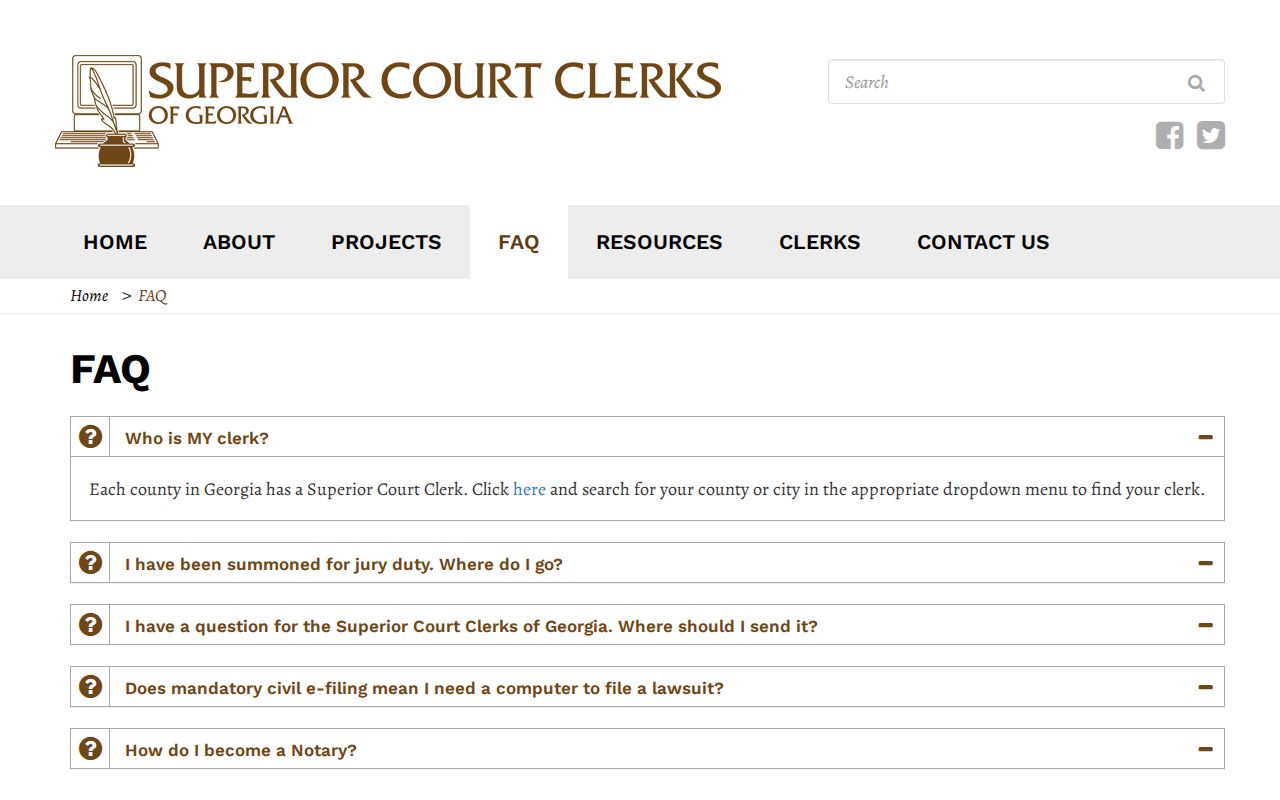
The FAQ lays out the terminal concept statewide. It does not fix Early's room, hours, fee, payment method, or print option for a docket search.
Two Ways to Search: County and State
Georgia E-Access works as a routing layer for the whole state. It points you toward the provider for Early Superior and Early State. But the directory itself is not the county result screen. PeachCourt is the workflow that takes over once routing is done. Keeping those roles straight saves you from waiting on a directory. That directory will never display a case.
| Layer | Role | Early use |
|---|---|---|
| Georgia Judicial Gateway | State court navigation | Start at the official E-Access directory |
| Georgia E-Access | Provider and court routing | Select Early Superior or Early State |
| PeachCourt | Provider account, case, and filing workflow | Search Cases by county, court, and exact identifier |
| Early Clerk | Local verification and copy procedure | Resolve missing, partial, restricted, or unclear results |
| Public terminal | On-site statewide access concept | Early room and functions require confirmation |
The Georgia e-file directory marks both Early Superior and State as mandatory under PeachCourt. E-filing and public case lookup are related provider functions, not identical screens.
Early County Search History Window
PeachCourt account history shows recent activity, not a complete Early County case index. The provider help describes filters for case number, case title, court, Peach Number, client reference number, filing date, and payment amount. But the history view only reaches back 365 days.
That cutoff explains why an older case or filing might not appear in an account history search. Keep the court, case number, and filing date together. Then ask the clerk about the older record or a different access route. The county posts no refresh interval and promises no complete historical coverage.
Early County Clerk Search Verification
Does the provider route stop at login or show no case? Gayle Anderson's office can help identify the right court, number, and access channel. Give the office the case caption, party spelling, filing date, and any Peach Number. Treat a blank search as a question, not a final answer.
Ask about your options. A Public Access Terminal, counter inspection, mail request, plain copy, or certified copy route may fit your situation. The clerk's current instruction controls the next step in any Early County docket search.
Early County Docket Search Exceptions
City tickets work differently. Georgia has no statewide traffic-citation database. A citation can take 7–21 business days to show up online. That is why a Blakely GovernmentWindow search, a call to Arlington's city office, Damascus's municipal setup, or the open question of Jakin's city court all point back to one place: the issuing court named on the ticket. Treat the county docket search as a county tool, not a city ticket search.
Federal cases sit outside the Georgia county system too. Early County federal matters are filed in the Middle District of Georgia, Albany Division. They live in PACER or CM/ECF. The federal case-number format looks nothing like the PeachCourt route locals use. So a county docket search that comes up empty is normal. The venue is simply federal.
For splitting city from county traffic channels, the Early County Traffic Court page keeps the two routes straight.
Filing costs are set at the state level. The Georgia Clerks cost schedule lists the statutory fees that each county clerk applies. So check the statewide Clerks cost schedule before asking the Early County clerk for the local amount.
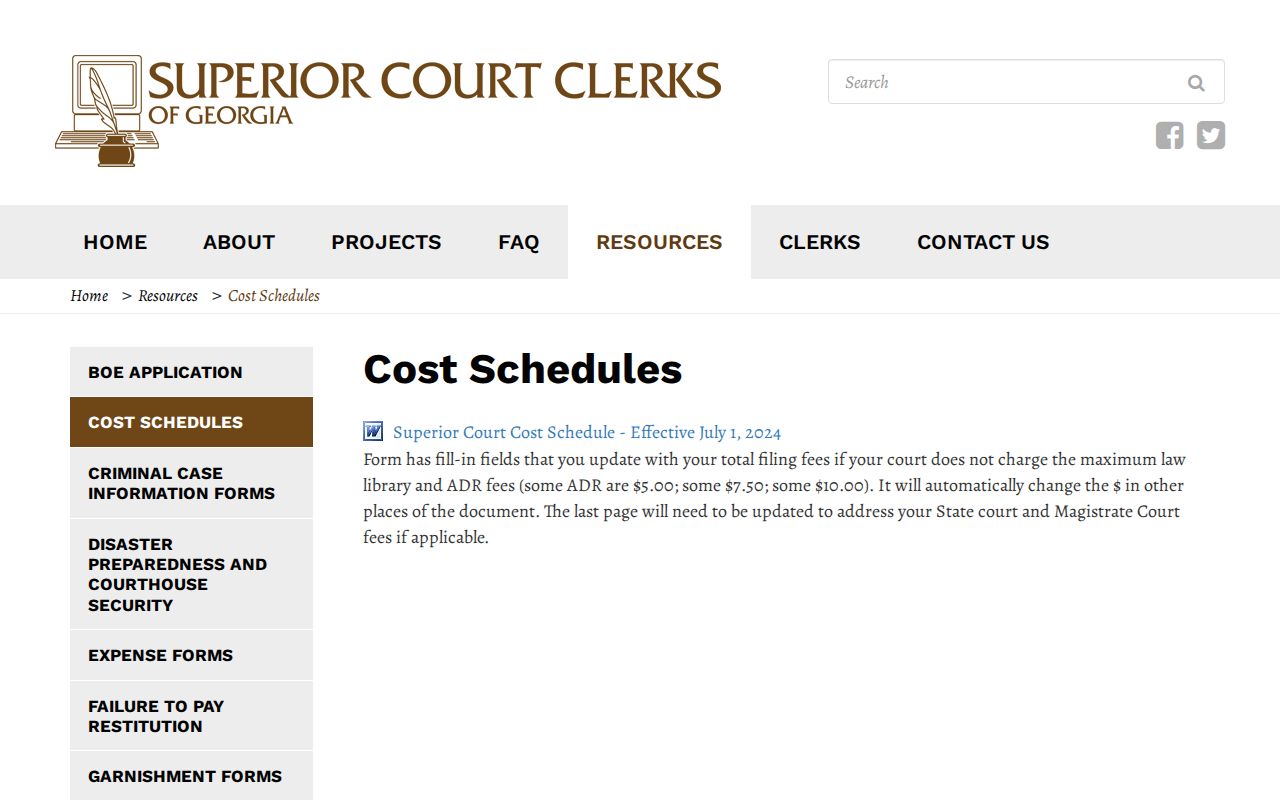
That schedule does not set a current Early search or copy fee. Confirm the local amount with the clerk.
Which Cases Stay Restricted
Juvenile matters are not ordinary public name-search records. Sealed filings, adoption material, protected family matters, and documents with protected identifiers can also be limited or redacted. Current Rule 21 supplies the public-access and redaction framework for Superior Court records. The responsible court's order still controls the particular file.
A public header can appear with a restricted attachment. A failed PeachCourt search can also reflect login trouble, the wrong court, an unknown format, or provider limits. It is not proof a case never existed.
Restricted-result step: Keep the case number and public event date, ask the clerk which rule or order limits access, and ask whether inspection or a redacted copy is available.
Early County Search Gaps
The public case route shows no exact Early search fields. It lists no required-field markers, result columns, document-view controls, viewing fees, or refresh interval. The account-history help confirms a 365-day limit. But that window says nothing about the age or completeness of every county case. When a result is missing, take the question to the clerk or the provider.
Use the Pataula clerk contact for any Early Superior, State, or Juvenile routing question. Ask for the exact court, identifier, public-access option, and copy process. For Probate, Magistrate, municipal, or federal matters, go to that office. Do not repeat a PeachCourt search.
The Georgia E-Access directory helps because it names the provider. PeachCourt helps because it describes the query path. Neither one supplies every local result field. So verification stays part of an honest Early County court docket search.