
Early County Civil Docket Searches
Georgia’s E-Access Court Records directory points Early County Superior and State Court users to PeachCourt. The public case route there leads to a login screen. An anonymous name search is not an open option. PeachCourt does offer free public or non-attorney registration. Start any civil docket search with the court caption, the county, and the exact case number if you have one.
If a case will not appear, try the provider route first. Then ask the local clerk. The Pataula clerks office can tell an Early Superior or State Court file apart from a Magistrate, Probate, municipal, or restricted matter. That kind of sorting matters. PeachCourt’s public case-search route ends at a login boundary rather than a live Early County result page. A blank screen after that point means nothing, so do not read it as proof that no civil case exists.
- Use Georgia E-Access to select Early Superior or Early State Court.
- Register or sign in to PeachCourt, then choose Search and Cases.
- Select the county and court before entering the exact case number.
- Compare the case style, filing date, event list, documents, and access notice.
- Call the clerk before mailing a request or treating an incomplete result as final.
Early County Civil Registration on PeachCourt
The PeachCourt provider home describes the platform Georgia courts use for e-filing and court-document access. Under the official Georgia e-file directory, Early Superior and State Court are both marked mandatory. Registration is a real access step, not a footnote to a civil lookup.
Expect account fields, not search fields. The screen asks for last name, first name, email, a confirmation email, a password plus confirmation, a secret question and answer, reCAPTCHA, and agreement to the terms. Court selection happens later in the provider workflow. View the PeachCourt civil-case registration screen before starting an account setup, since that official page shows the exact prompts you will meet.
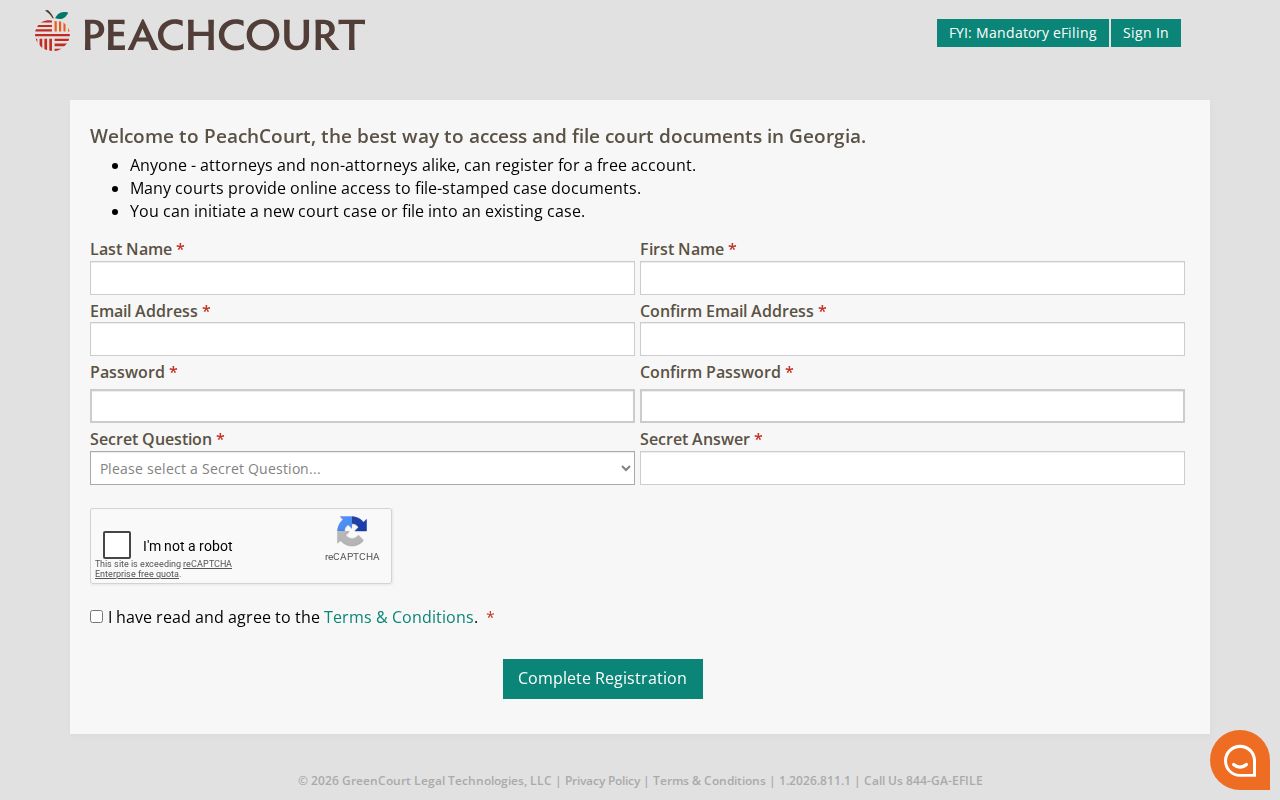
A CAPTCHA or terms step can slow access. The public search form’s required markers stay hidden until you log in. Trust the live provider prompt over guesses about a field or a payment step.
Once signed in, the provider help leads you through Search, Cases, county, court, and exact case-number entry. Filings track by the exact Peach Number. One caution: account-history filters are not a countywide civil index.
Civil Dockets: What They Show
A civil docket is a time-ordered record of the case. One line may show an initiating pleading, service, an answer, a motion, a notice, a hearing, an order, a judgment, costs, an appeal, or later activity. Remember that a docket line is not the full pleading behind it. A short status label can need the linked document. It can also need a call to the clerk for real context.
| Case number | The court’s identifier. Use the exact number from PeachCourt, a filed paper, or the clerk. |
|---|---|
| Case style | Names the parties and their roles, such as plaintiff and defendant or petitioner and respondent. |
| Case type | Shows the civil track, which can help identify the correct court and filing path. |
| Initiating pleading | The complaint, petition, or other filing that starts the case. It is not a judgment. |
| Service and answer | Shows notice and response events when public. An answer is a response, not an outcome. |
| Motions and notices | Requests and procedural notices can lead to a later order or hearing. |
| Judgment or disposition | Records an outcome, but a partial judgment, dismissal, or post-judgment motion needs careful reading. |
| Access label | Identifies a redacted, sealed, restricted, or unavailable document or attachment. |
Read each Early County civil docket entry with care. A dismissal may be with or without prejudice. Check whether a judgment is partial, and whether an appeal or post-judgment motion still keeps the case alive.
Early County Civil Docket Fields
Early County's public search tools do not publish a full civil field layout. So treat any field list as a request rather than a promise that PeachCourt shows everything. The paper file at the clerk's office often runs deeper than the online event view. It may hold the original pleading, the service return, motions, notices, orders, the judgment, cost entries, an appeal, and access controls on documents.
Three ideas need separating. Filing, hearing, result. A complaint opens the case and proves nothing about the claims inside it. A hearing date only shows that the matter was set, not how the judge ruled. The judgment or dismissal, read as recorded, is the only entry that supplies an outcome. That filing-versus-judgment gap matters most. It shows up when a case lookup returns the first document but skips the later ones.
The current Superior Court Rules set out civil initiation and disposition reporting requirements. A reporting form, though, is not a public search result. For the actual event, read the court record and the order itself.
What Cases Fill the Civil Docket
Which court a civil filing names decides where the Early County case travels. Superior Court takes the major civil matters and divorce. State Court holds limited civil jurisdiction. Magistrate Court covers civil claims up to $15,000 under the ordinary statewide structure. Probate Court handles estates, guardianships, conservatorships, and related proceedings. Municipal courts deal with city matters. The court docket you search should match the venue named on the filing.
| Venue | Common civil track | Access starting point |
|---|---|---|
| Superior Court | Major civil matters and divorce | PeachCourt through Georgia E-Access or the Superior Clerk |
| State Court | Limited civil jurisdiction | PeachCourt through Georgia E-Access or the Superior Clerk |
| Magistrate Court | Civil claims within the statewide limit | Separate Magistrate office and local confirmation |
| Probate Court | Estates, guardianships, conservatorships, and licenses | Early Probate Court |
| Municipal court | City ordinances and city matters | The city clerk and court named in the record |
The Early County departments directory keeps each route separate: clerk, Probate, Magistrate, State, and Juvenile. A Blakely mailing address does not move a case to a different court.
Early County Civil Access Routes
A screen is not the only way in. Early County civil records move through several routes. A provider account, a terminal at the courthouse, a request at the counter, or a mail request the clerk confirms will each work. Phone and fax work best for questions about procedure. The clerk’s office holds the current word on how to get copies.
The statewide Georgia Clerks public-access statement points to Public Access Terminals at county courthouses. Early County’s terminal room, hours, and copy and payment methods can change, so check first. Call Gayle Anderson’s office at (229) 723-3033 before you plan a visit around a terminal.
Not every route hands you the same pages. A provider account might show a docket event. The clerk alone can issue a certified copy. Some sealed or restricted filings stay out of reach no matter which route a person takes through the Early County court docket.
| Route | What it can do | Early caution |
|---|---|---|
| PeachCourt | Online Superior and State access after the provider account route | Login and exact result fields require confirmation |
| Public terminal | On-site electronic viewing or filing where provided | Early location and copy options are a research gap |
| Clerk counter or phone | Confirm ownership, identifiers, inspection, plain copies, and certification | Call before visiting Suite C |
| Request a confirmed copy route after the office explains format and return method | Confirm fee, payment, and delivery before sending anything |
Four routes, one caution: the documents may differ. A provider account can display a docket event in the Early County civil docket, yet only the clerk issues a certified copy. Restricted attachments are another story. They may stay unavailable through every public route the court record offers.
Hearings on the Civil Docket
A civil setting on an Early County docket can take many forms. It may be a motion hearing, a status event, a trial date, or mediation. The calendar line alone decides nothing. Check the court, the case number, the setting type, and any continuance. Do that before you treat a date as current.
Early Superior and State Court also publish a circuit calendar. That calendar can help you spot a setting. But it is not a case-index database, and it may not list every case number or result. The clerk can reconcile the calendar with the official case record if something looks off.
Order matters when you read the event history. A complaint can be filed before service. An answer can follow. A motion can be set before any order is entered. When a judgment appears, look for a later motion or appeal entry. The first outcome-looking line is not always the last word on the civil docket.
Early County Civil Complaint and Judgment
The first civil pleading states a claim and asks for relief. It is not a finding by the court. Georgia clerks' records guidance and the current rules treat filings, orders, and dispositions as different record types, and one case can hold a complaint, an answer, several motions, a hearing, and a judgment.
Label each entry by what it proves. A filing proves a document was lodged. A service return shows the notice event. A motion is a request, not a ruling. An order shows the court's direction when accessible. A judgment or dismissal is the recorded result, subject to later appeal or post-judgment activity.
Quick reading rule: Do not describe a civil claim as decided because the complaint appears in the docket. Find the later judgment, dismissal, or order and check whether the case stayed active.
Sometimes the online case lookup ends before any outcome shows. Ask the clerk whether later documents are restricted, sit in another court, or simply are not available through that provider view.
Who Can See Civil Dockets
Current Rule 21 generally favors public access to court records. It also permits limits and redaction under law or court procedure. Protected identifiers, sealed filings, confidential attachments, and some family or probate material may stay closed. A public case header can coexist with a withheld document.
The Georgia Attorney General's court-record FAQ explains a key point. An ordinary Georgia Open Records request is not the normal route for a court file. Administrative county records follow the Open Records process. A court file follows the court and clerk's own procedure.
Never request or publish protected identifiers. If a civil document is sealed or redacted, keep the public case number and event description. Then ask the clerk which rule or order controls. Ask too whether a redacted copy is available.
Early County Civil Rule 21 Gaps
The current rules give the access framework but no live Early County civil result. The public PeachCourt route sits behind a login. Its exact search fields, required markers, result columns, document-view controls, viewing fees, and refresh behavior stay unknown. The clerk can answer those points.
The provider images mark the layers involved. They show an access directory, a provider home, a registration form, and a case-search path. The Georgia E-Access page is a router, not the county result page.
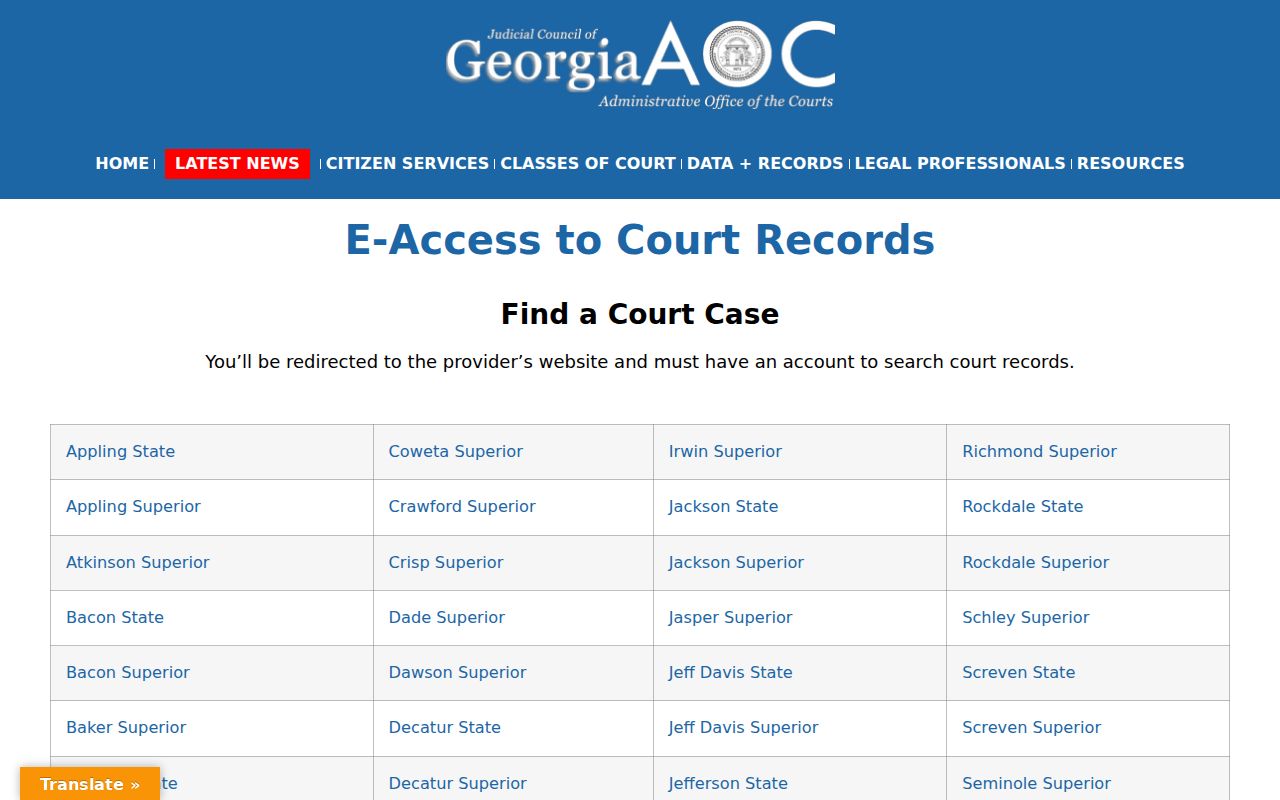
The directory places the Early court row before a PeachCourt search, though it shows no Early case and no guarantee a result is current. The provider home sits on a separate platform layer. Open the official PeachCourt provider home for the current access route.
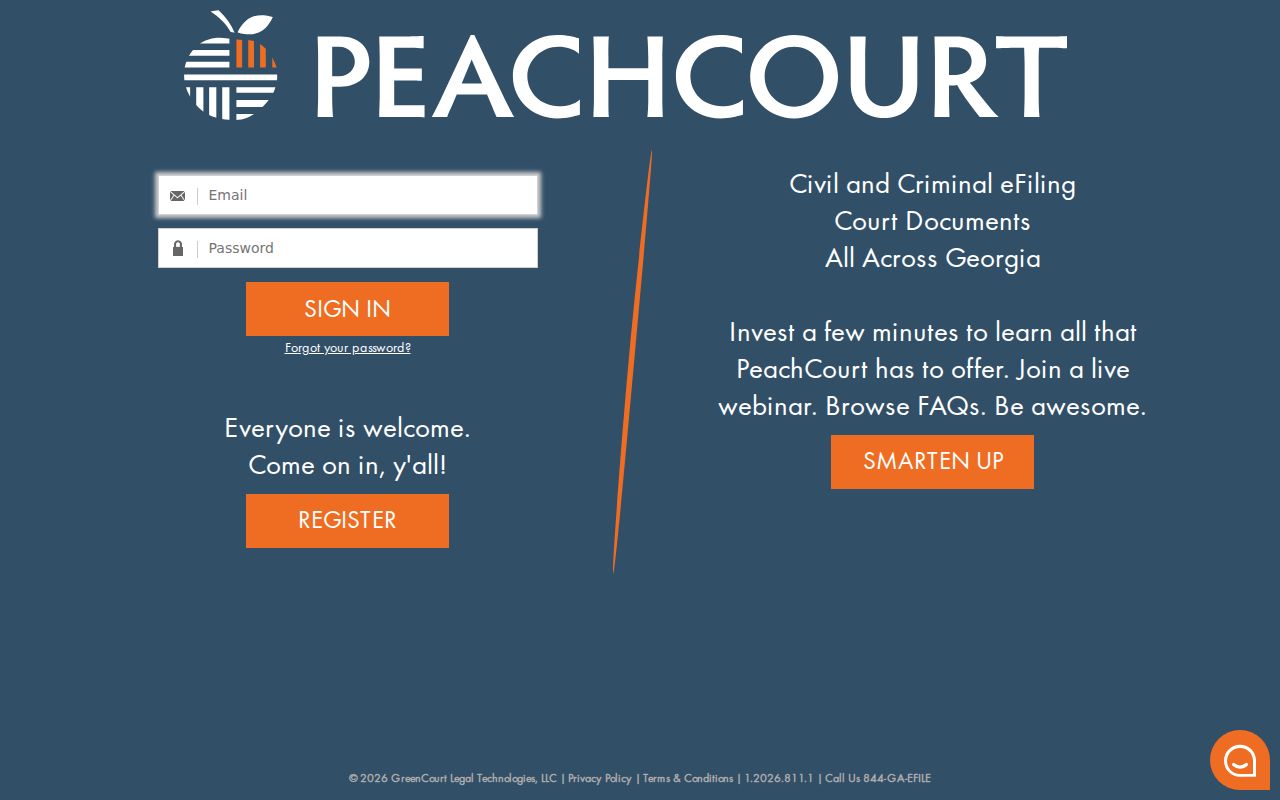
A provider landing page is not a case result. The public route may stop at login. It may return no visible case. In either case the local clerk remains the fallback. The public case-search screen sits behind that same access boundary. Review the PeachCourt case-search route before assuming its fields are visible without an account.
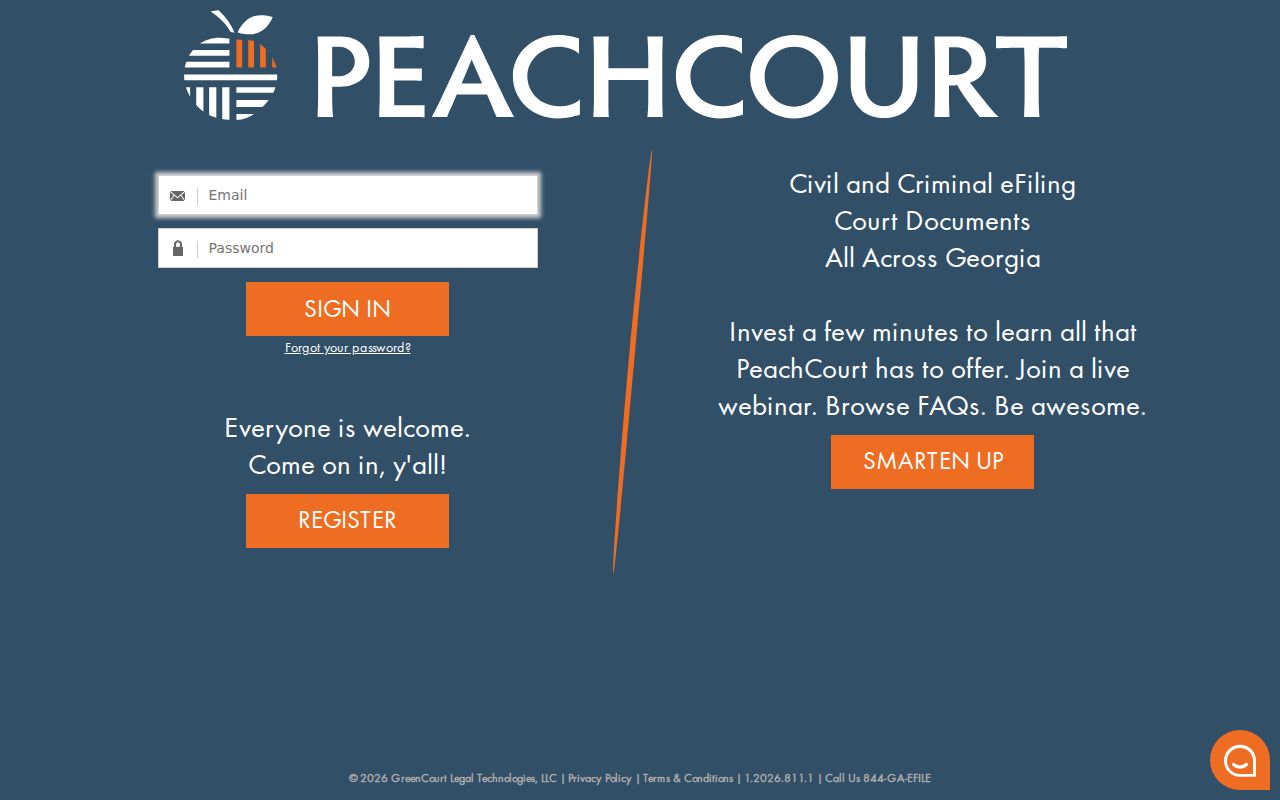
The case-search image shows the route's login boundary. It does not supply the missing Early-specific result fields.
Fees carry the same caution. The statewide Clerks cost schedule is effective July 1, 2024, but exact Early filing, service, copy, certification, and technology amounts come from the clerk. HB 685 and HB 686 authorize up to $10 technology charges for specified Early Magistrate and Probate transactions. Authorization alone is not proof of a local civil charge, so ask the clerk for the current amount before sending payment.